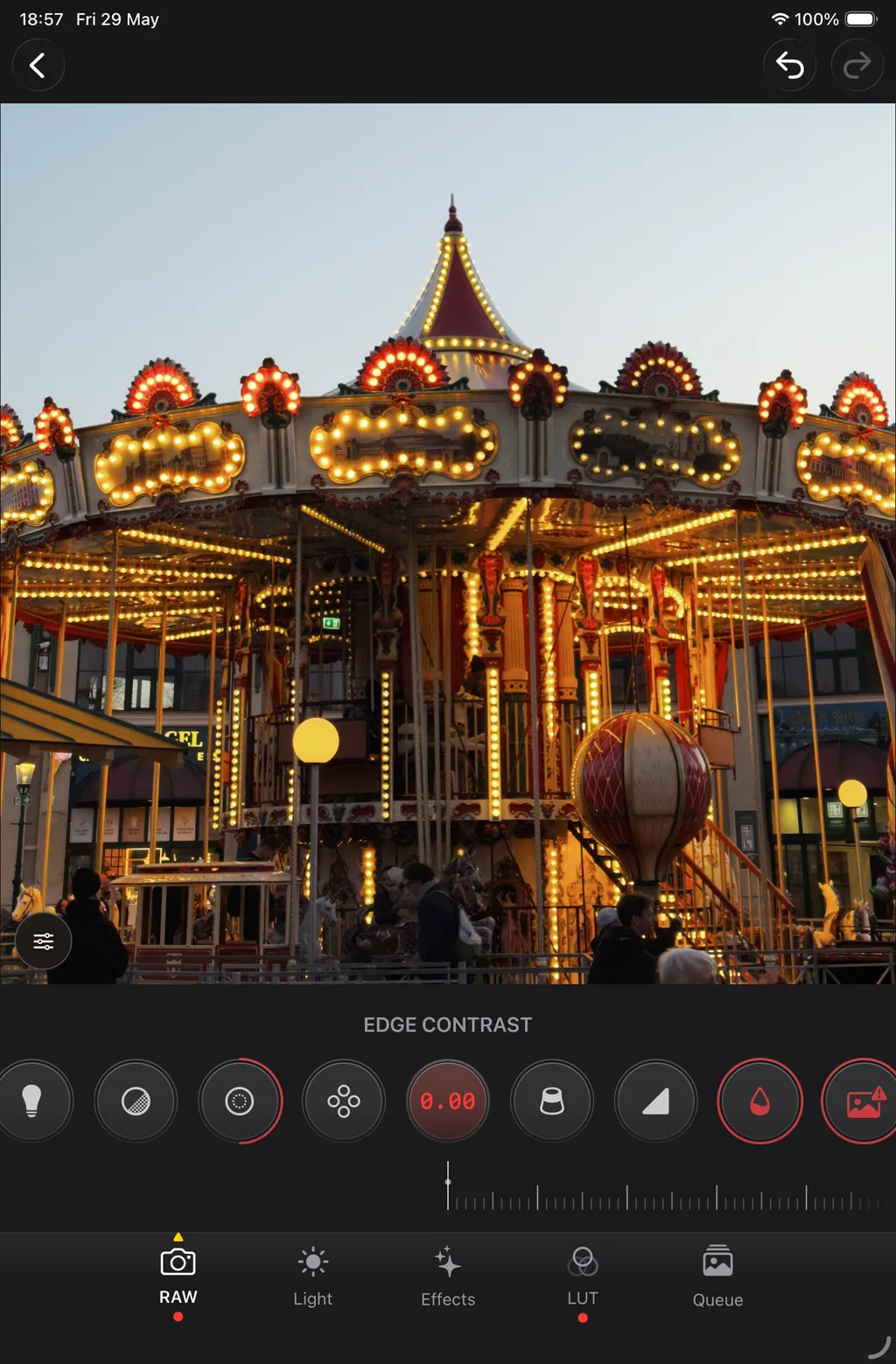
Your iPhone shoots great photos.Make them better.
Develop ProRAW on iPhone or iPad. Ease off the baked-in Deep Fusion look — no laptop, no Lightroom subscription.
ProRAW in the wild
Gallery previews undersell ProRAW.
Bigger sensors and smarter pipelines often just bake in heavier sharpening and contrast. The RAW file still has the photo.
Showing comparison 1 of 3: Ferris wheel at sunset — ProRAW comparison
ProRAW editing, pocket size.
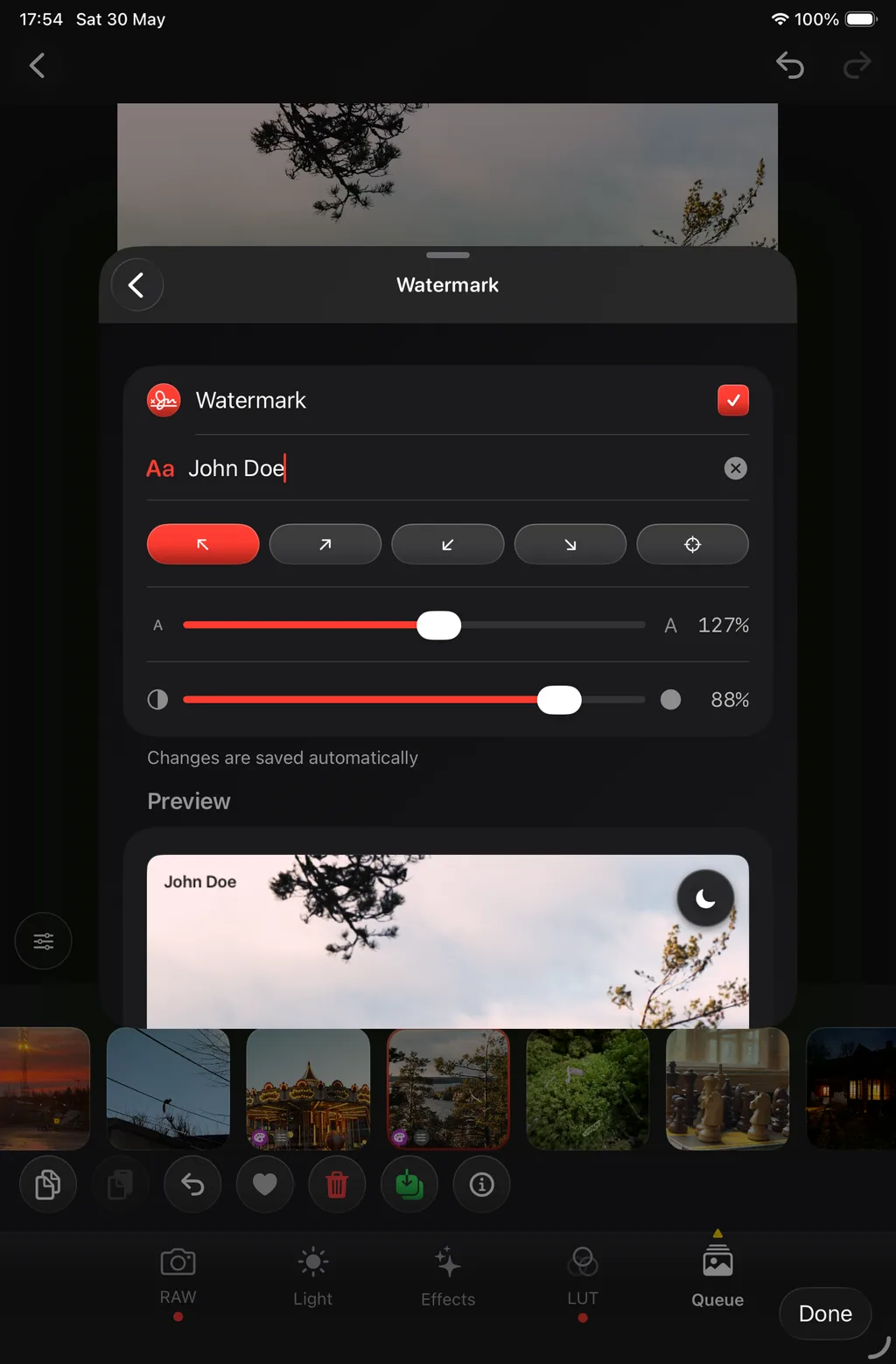
Six tools, on-device, next to your library.
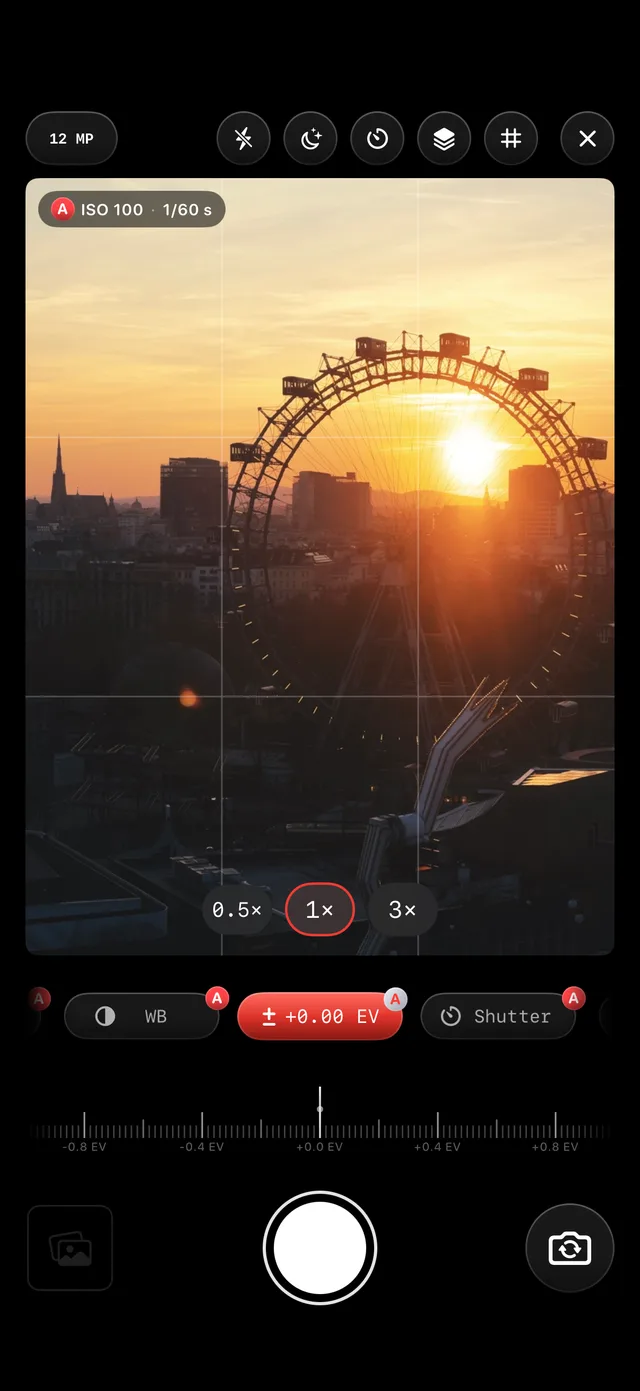
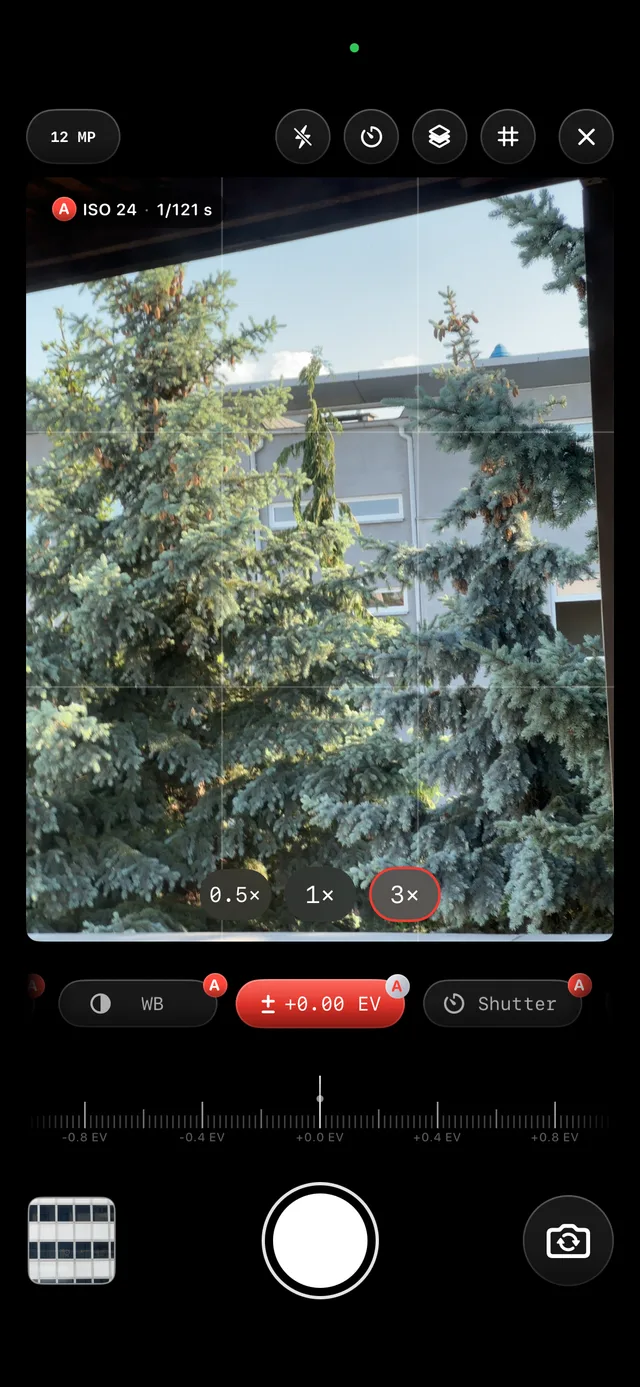
Shoot
Capture in Apple Camera or in-app.
Use Apple Camera when you want the best hand-held ProRAW, or shoot inside RAW Clinic when capture and edit should stay in one app.
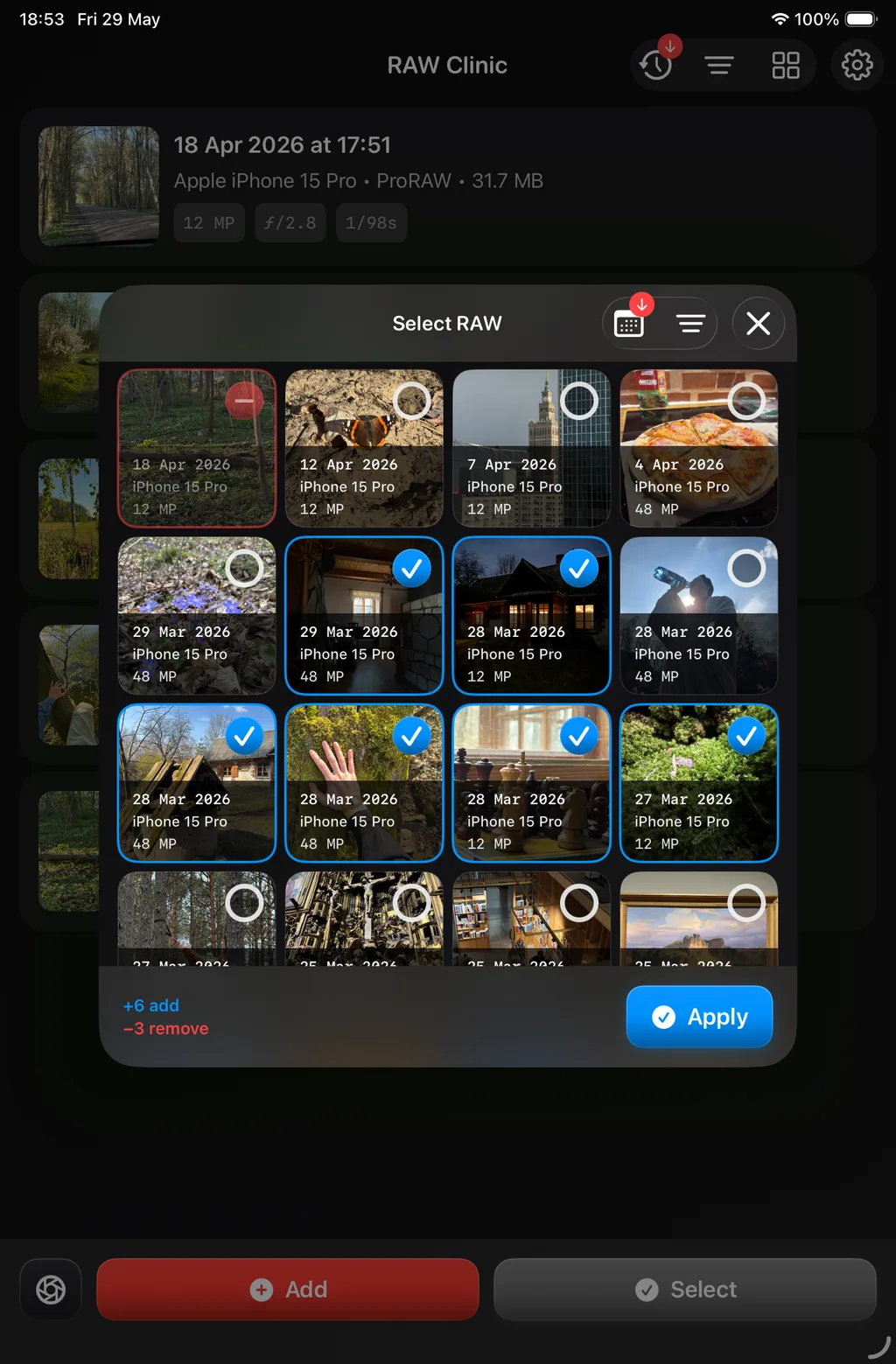
Queue
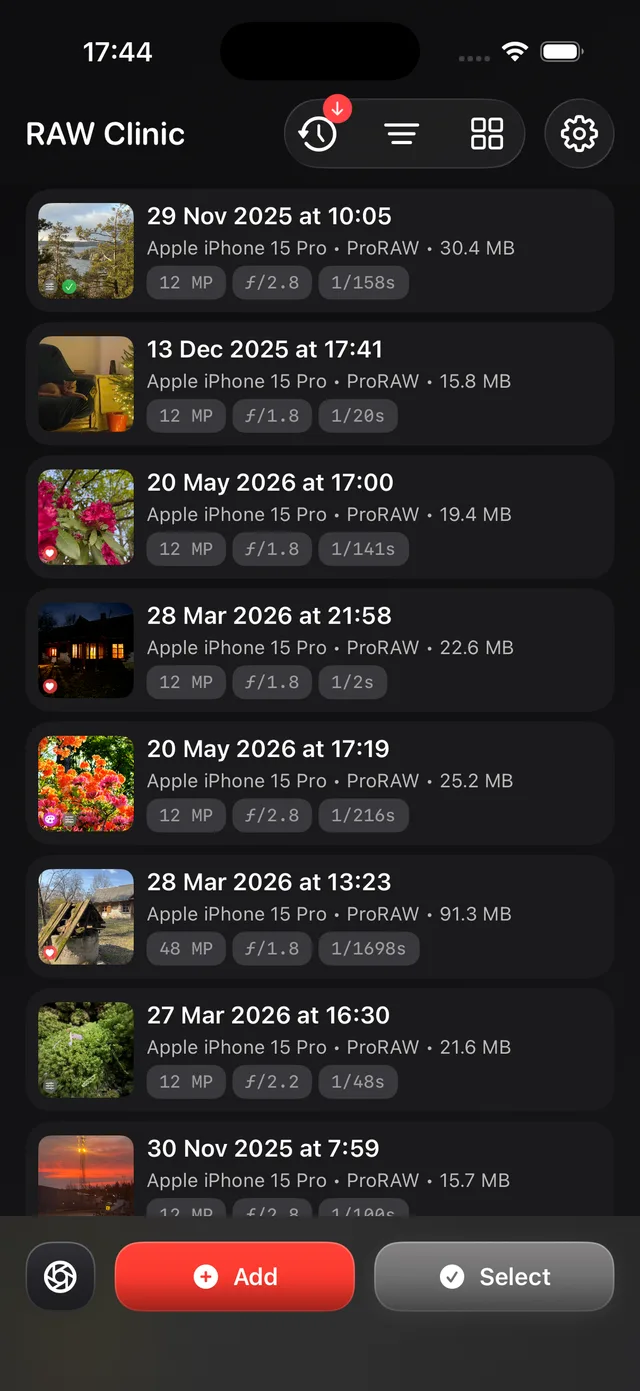
Import, organize, and grade.
Add ProRAW from Photos or Files, sort the queue, and apply a look shot to shot — or paste a grade from a reference frame.
- Built on Apple's on-device RAW pipeline.
Export
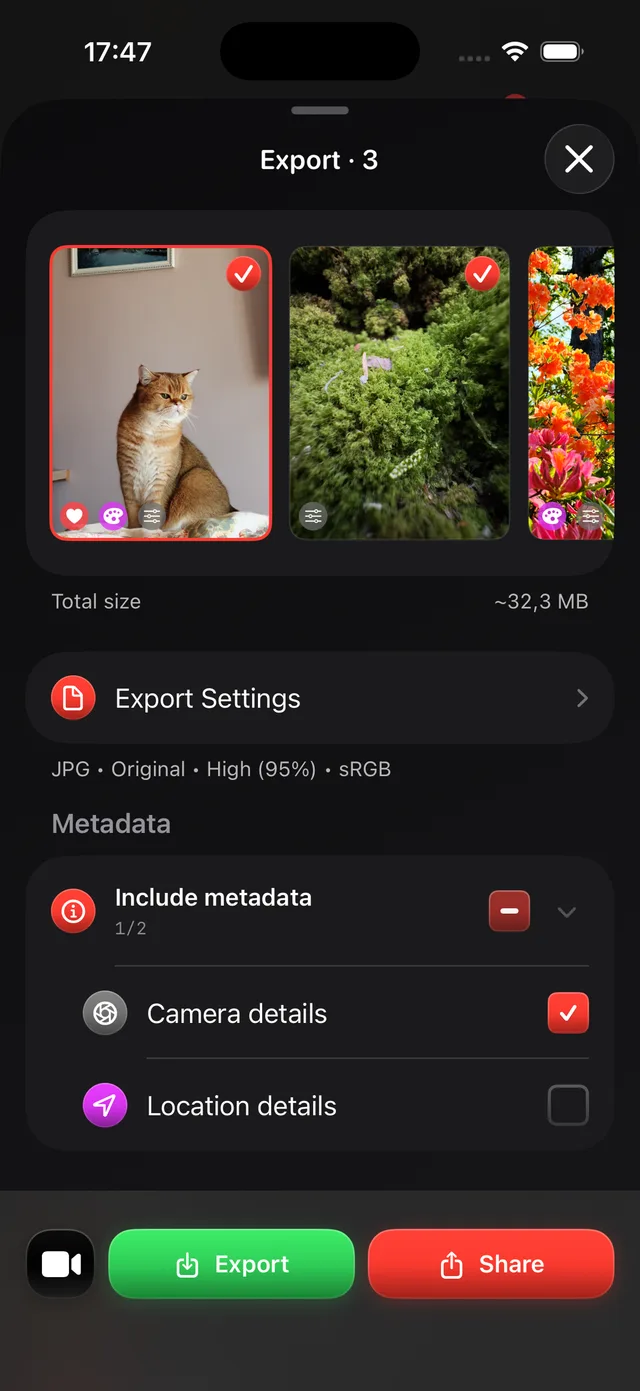
Export when ready. Repeat.
Save JPG, HEIC, or TIFF to Photos or Share. Your originals stay untouched; the queue is ready for the next session.

Better ProRAW. Still on your phone.
Open a roll from Photos, grade on the device, and export when you are done.
Free on the App Store